An AI assistant for your store, voidX AI
Just install it from the Cafe24 App Store and an AI assistant tailored to your store's industry is ready to go. No sign-up, no coding.
7-day free trial · from ₩15,000/mo
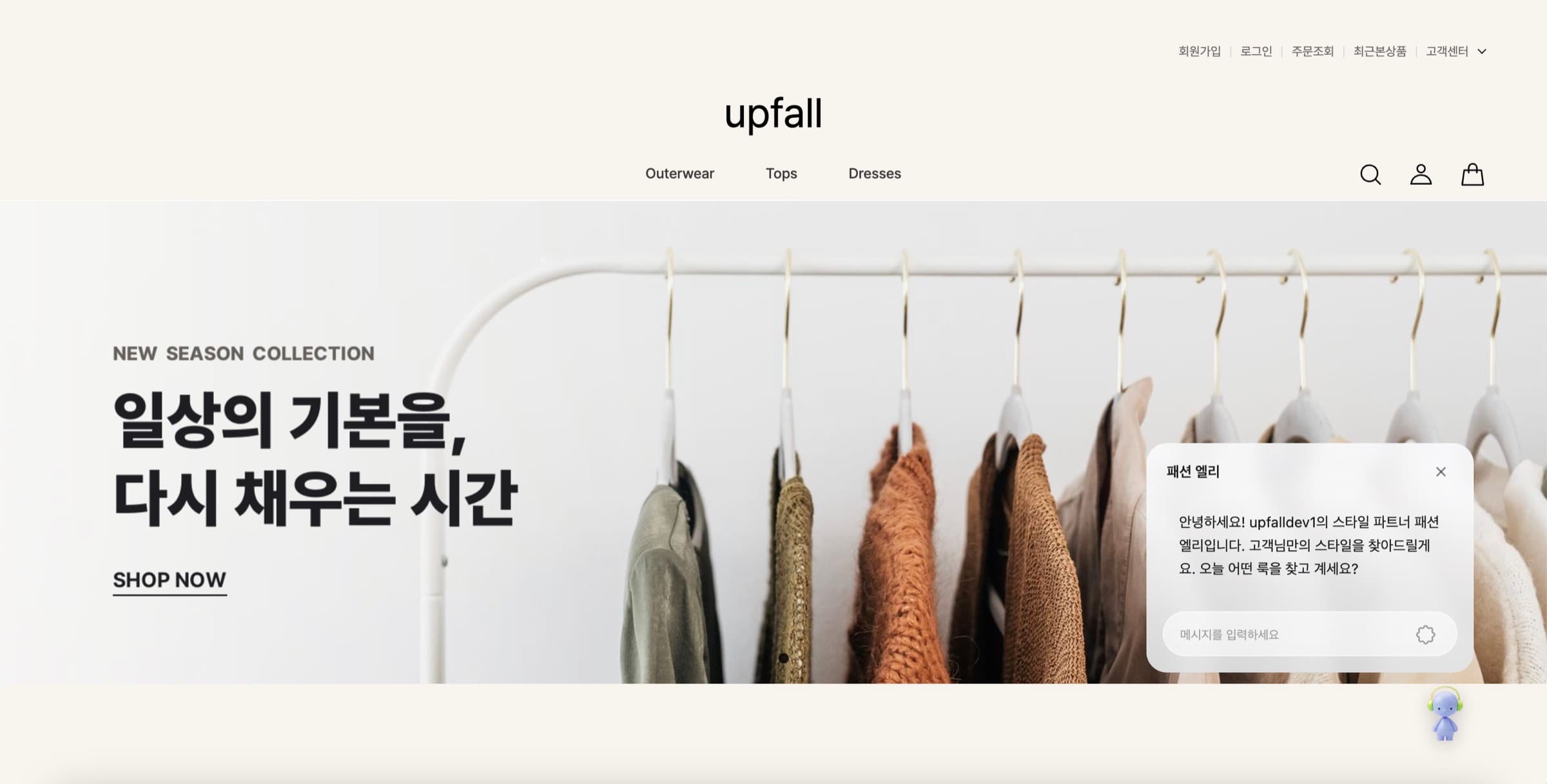
Here's how it works on a real Cafe24 store
01
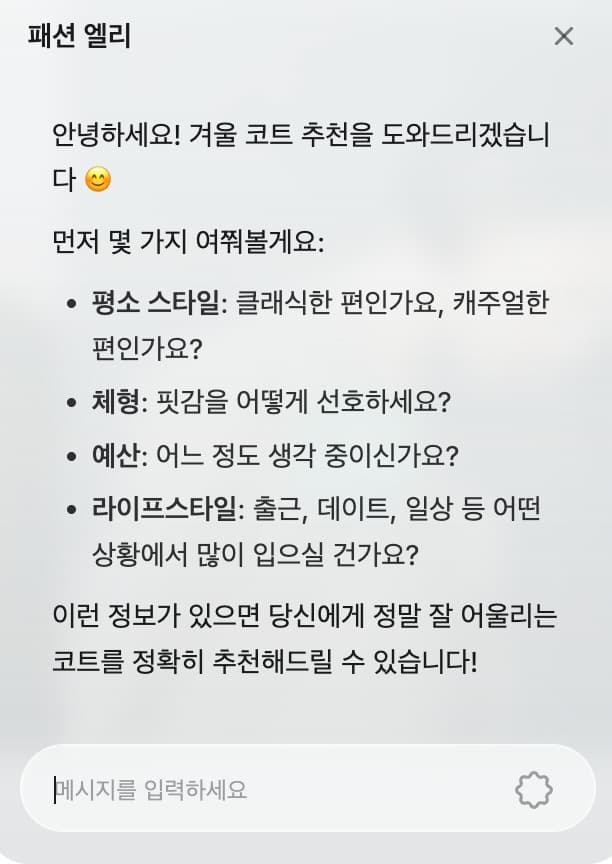
Learns taste, recommends full outfits
It asks about the visitor's style and budget in conversation, then suggests outfit sets built from your store's products.
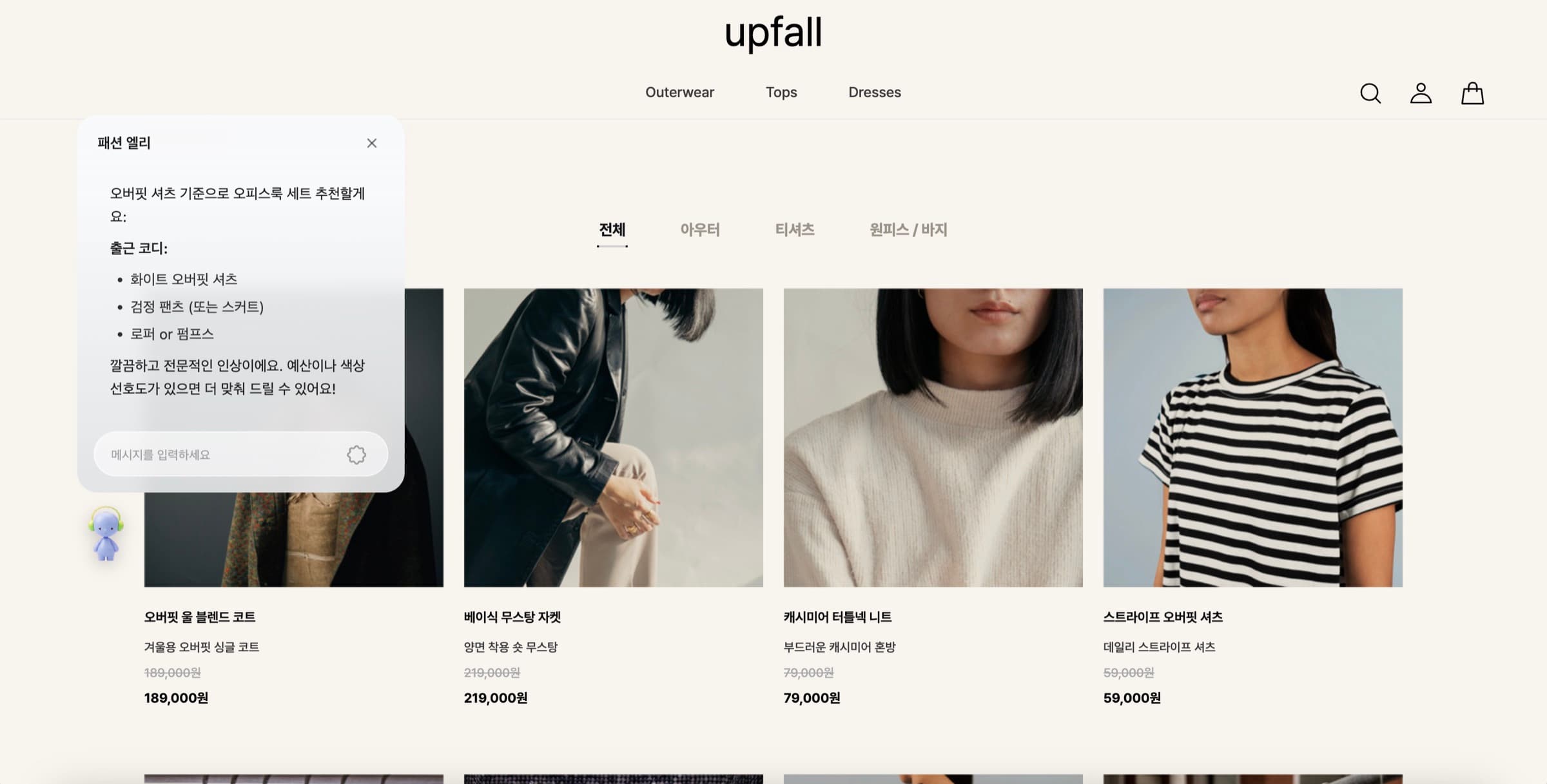
02
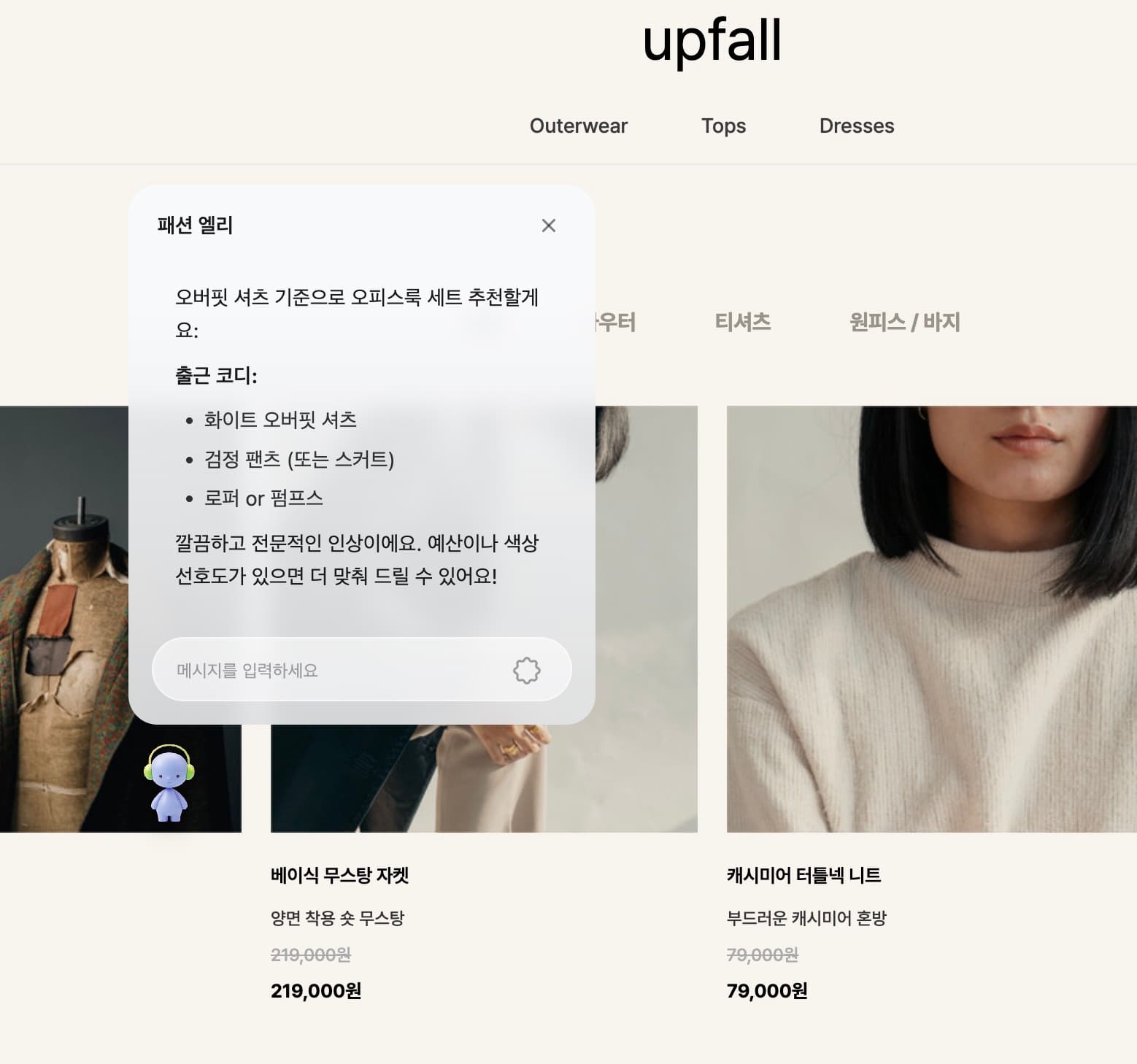
Specific picks, ready to add
Answers like "white overfit shirt, black pants, loafers" — concrete combinations visitors can act on, not vague tips.
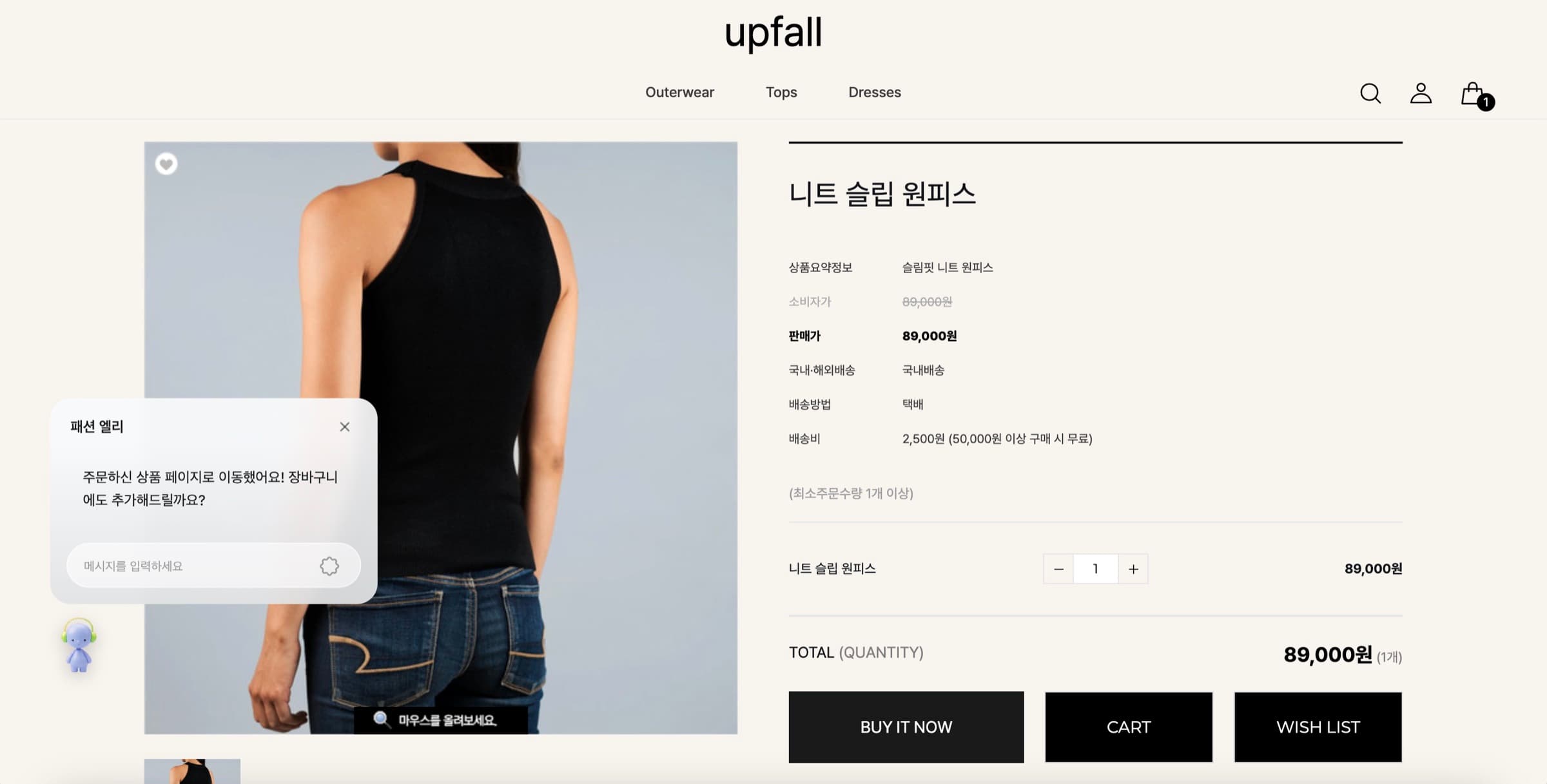
03
From recommendation to cart
It guides visitors to the product page and offers to add items to the cart, all within the same conversation.
One widget, that's it
Once installed, a chat widget appears at the bottom-right of your store. Visitors can talk to it instantly with nothing to install, and you can drag the widget so it never overlaps your existing chat tools.
What it can do
Automatic industry persona
On install, your store is analyzed and an assistant persona matched to your industry is selected automatically. No settings screen needed, it responds in a tone that fits your shop right away.
Real-time text chat
Answers visitor questions 24/7 in a conversational way. It handles repetitive questions about products, shipping, and exchanges on your behalf.
Conversational product recommendations
Ask in plain words and the assistant picks matching products as cards, then guides shoppers to the product page and cart inside the conversation.
Movable widget
Drag the widget wherever you want. Place it so it doesn't overlap the chat tools you already use.
Three steps to start
- 01
Install from the App Store
Install voidX AI from the Cafe24 App Store. Your 7-day free trial starts right away.
- 02
Automatic setup
Right after install, your store is analyzed and an industry-matched assistant is configured automatically. No login or extra setup required.
- 03
Widget goes live
The chat widget appears on your store and conversations begin. When the trial ends, pick a plan inside Cafe24 and keep going.
Two plans, sized to your store
Both plans include every feature; only the monthly conversation volume (tokens) differs. Installing starts a 7-day free trial, and payment happens inside Cafe24.
Light₩15,000 / moVAT excluded · billed after the 7-day trial | RecommendedPremium₩99,000 / moVAT excluded · billed after the 7-day trial | |
|---|---|---|
| Tokens per month | 600K tokens | 5M tokens |
| Free trial | 7 days | 7 days |
| Top-up | ₩20 per 1,000 tokens | ₩20 per 1,000 tokens |
Included in every plan
- Conversational product search, recommendations and guidance
- Automatic industry persona matching (learns your brand)
- Proactive greetings · coupon and promotion callouts
- Movable character widget
- 24/7 automated replies
- Install, onboarding and payment all inside Cafe24
Prices exclude VAT. When the free trial ends, the plan you chose is billed through Cafe24. If you use up the monthly tokens, top up only what you need and keep going. Stores in regulated industries such as finance and healthcare are outside the current service scope.
Install from the Cafe24 App StoreFrequently asked questions
No. Install the app from the Cafe24 App Store and you can use it right away. No voidX AI account is required.
Add voidX AI to your store today
Install from the Cafe24 App Store and your 7-day free trial starts immediately. See how the AI assistant handles your real customers.
Install from Cafe24 App Store